
Description
Product Overview
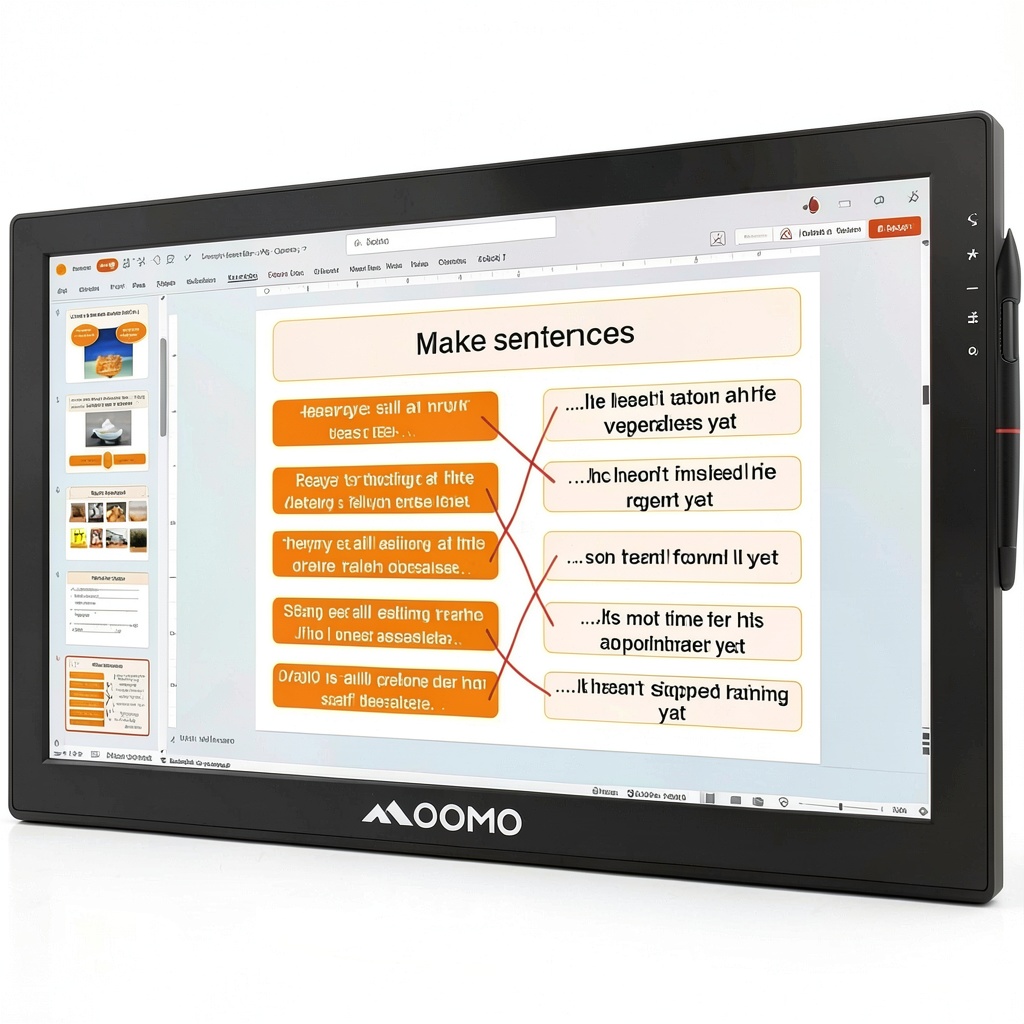
The Qomo HiteVision PresenStation QIT800 F1 Collaboration Display is a high-performance interactive tool designed for modern presentations. Featuring a 4K LCD capacitive touchscreen with 3840 x 2160 resolution and 300 nits brightness, it delivers sharp visuals and responsive touch control. Constructed in a sleek black finish, this display includes a battery-free EM pen for precise annotations and supports direct finger input. Key specifications include HDMI and USB connectivity, making it ideal for professional environments where engagement and adaptability are crucial.
Usage
This collaboration display is perfect for conference rooms, classrooms, and corporate training sessions where interactive presentations are essential. It allows presenters to control multiple displays without turning away from the audience, fostering better communication and engagement. Target users include educators, business professionals, and team leaders who need to annotate over images or videos in real-time, enhancing collaborative discussions and decision-making processes.
Why Choose Us
The Qomo HiteVision PresenStation stands out with its advanced QOMO Flow!Works Pro software, enabling seamless annotation over any screen content. Its durable capacitive touchscreen and precise EM pen offer superior accuracy and ease of use, backed by reliable performance and included mounting hardware for flexible installation. This product ensures high-quality craftsmanship and is supported by a comprehensive warranty, providing peace of mind for long-term use in dynamic settings.
Key Features
- 4K LCD capacitive touchscreen for crisp, interactive visuals
- Battery-free EM pen and finger touch for versatile annotation
- QOMO Flow!Works Pro software for annotating over images and videos
- Control multiple displays without turning your back to the audience
- Includes stand, cables, and mounting hardware for easy setup
FAQ
What is included with the Qomo HiteVision PresenStation QIT800 F1?
The package contains the display unit, stand, HDMI cable, USB cable, power cord, mounting hardware, user manual, quick start guide, warranty card, and a battery-free pen.
Can I use this display for video conferencing?
Yes, the PresenStation supports annotation over videos, making it suitable for interactive video conferences where you need to highlight points in real-time.
How do I connect the display to my devices?
You can connect using the included HDMI and USB cables, ensuring compatibility with most computers and presentation systems for seamless integration.
Is the touchscreen responsive to both fingers and the pen?
Absolutely, the capacitive touchscreen works with finger touches and the EM pen, offering flexibility for different annotation styles and user preferences.
What is the resolution and brightness of the display?
It features 3840 x 2160 4K resolution and 300 nits brightness, providing clear and vibrant visuals even in well-lit environments.

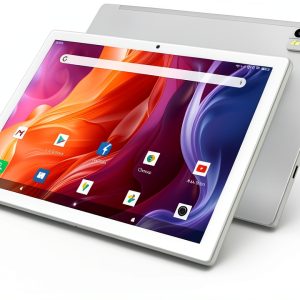 Qukenk 10.1 Inch Android 14 Tablet Octa Core Silver
Reviews
There are no reviews yet.